Interface Designs That Enhance Navigation Through Diverse Game Libraries in Online Multiplayer Portals
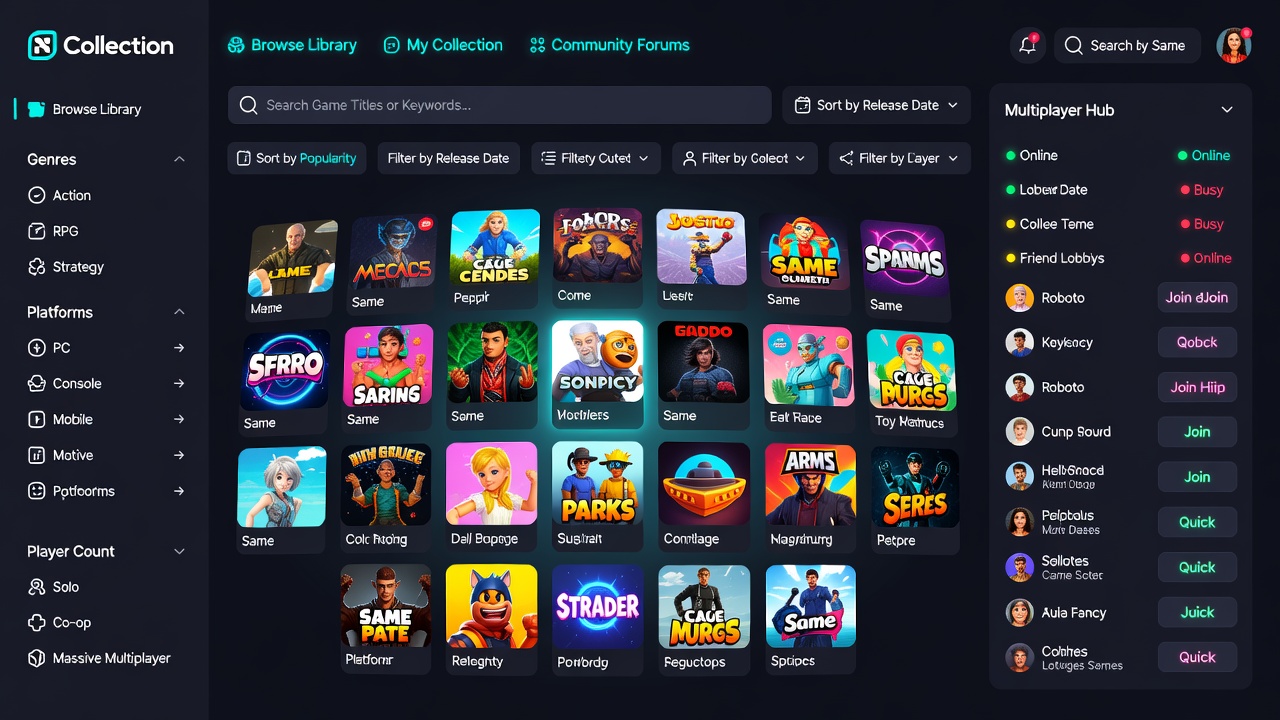 Portal platforms hosting multiplayer games rely on interface designs that organize thousands of titles across genres, modes, and player counts. Developers implement layered navigation systems that combine search functions with visual categorization, allowing users to locate sessions without excessive scrolling or repeated clicks. Research indicates these structures reduce average time to join a game by 35 percent when filters align with user preferences for skill level and region.
Core Search and Filtering Systems
Search bars in these portals incorporate predictive text and real-time result updates, pulling from databases that tag games by mechanics, community size, and update frequency. Observers note that advanced filters for parameters such as match duration, team size, and cross-platform support appear alongside sliders for ping thresholds, helping participants narrow options while the system updates available lobbies instantly. Data from platform analytics shows that portals integrating multi-select genre tags alongside keyword search see higher session initiation rates compared to basic text-only versions.
Visual Layouts and Categorization Methods
Grid-based displays dominate library views because they present cover art, player counts, and quick-join buttons in compact rows that scale across screen sizes. Those who manage these systems often arrange content into horizontal carousels for trending modes while vertical sections handle genre clusters such as team shooters or cooperative strategy titles. Breadcrumb trails and persistent side panels maintain context during deeper exploration, preventing users from losing their place when switching between discovery tabs and individual game details. One study revealed that portals using dynamic thumbnails with hover previews experience fewer abandoned searches than static lists.
Personalization Features and Recommendation Engines
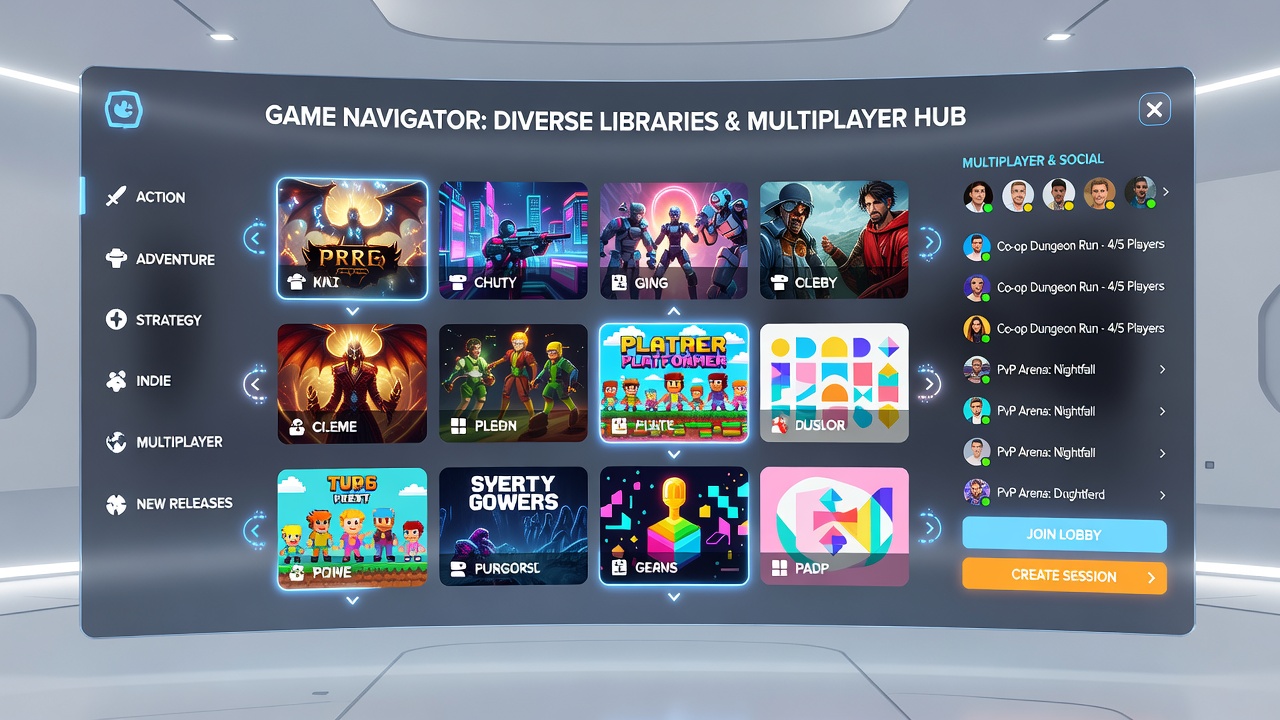
Adaptive interfaces track play history to surface suggested titles in dedicated rows that update after each session ends. Researchers have documented how collaborative filtering combines individual data with aggregate trends from similar accounts, surfacing both popular releases and niche modes that match past engagement patterns. In June 2026 several major portals introduced context-aware prompts that appear when users finish a match, offering direct links to related libraries based on shared mechanics rather than broad popularity metrics alone. These additions integrate with account settings that let participants toggle visibility of mature content or region-locked options without leaving the main navigation flow.
Accessibility and Cross-Device Consistency
Design teams incorporate high-contrast modes, keyboard navigation shortcuts, and scalable text sizes to meet standards referenced in reports from the Canadian Radio-television and Telecommunications Commission. Screen-reader compatibility extends to dynamic elements such as live player counters and filter results, while responsive layouts maintain the same hierarchy on mobile clients that desktop versions provide. Figures from industry tracking services reveal that portals prioritizing these adjustments retain users across devices at rates 22 percent above those with inconsistent implementations.
Integration with Social and Community Tools
Navigation layers frequently embed friend lists and clan rosters directly into the game browser so participants can filter libraries by group availability instead of browsing alone. Observers note that chat overlays and voice indicators appear alongside lobby previews, allowing quick coordination before committing to a session. Portals that link these social elements to the primary search interface report increased repeat visits because users locate both new content and familiar groups through a single workflow. External documentation from the International Game Developers Association outlines how these combined features support sustained participation across diverse library sizes.
Conclusion
Effective interface designs in online multiplayer portals balance comprehensive filtering, visual clarity, personalization, and accessibility to guide users through expanding game collections. Continued refinement of these elements supports efficient discovery while maintaining consistent performance across devices and user groups.